Celebration guide
Reviewing Text in an Edible Print Proof before Approval
Match names, dates, text arrangement, and the edible print proof version before communicating a clear approval.
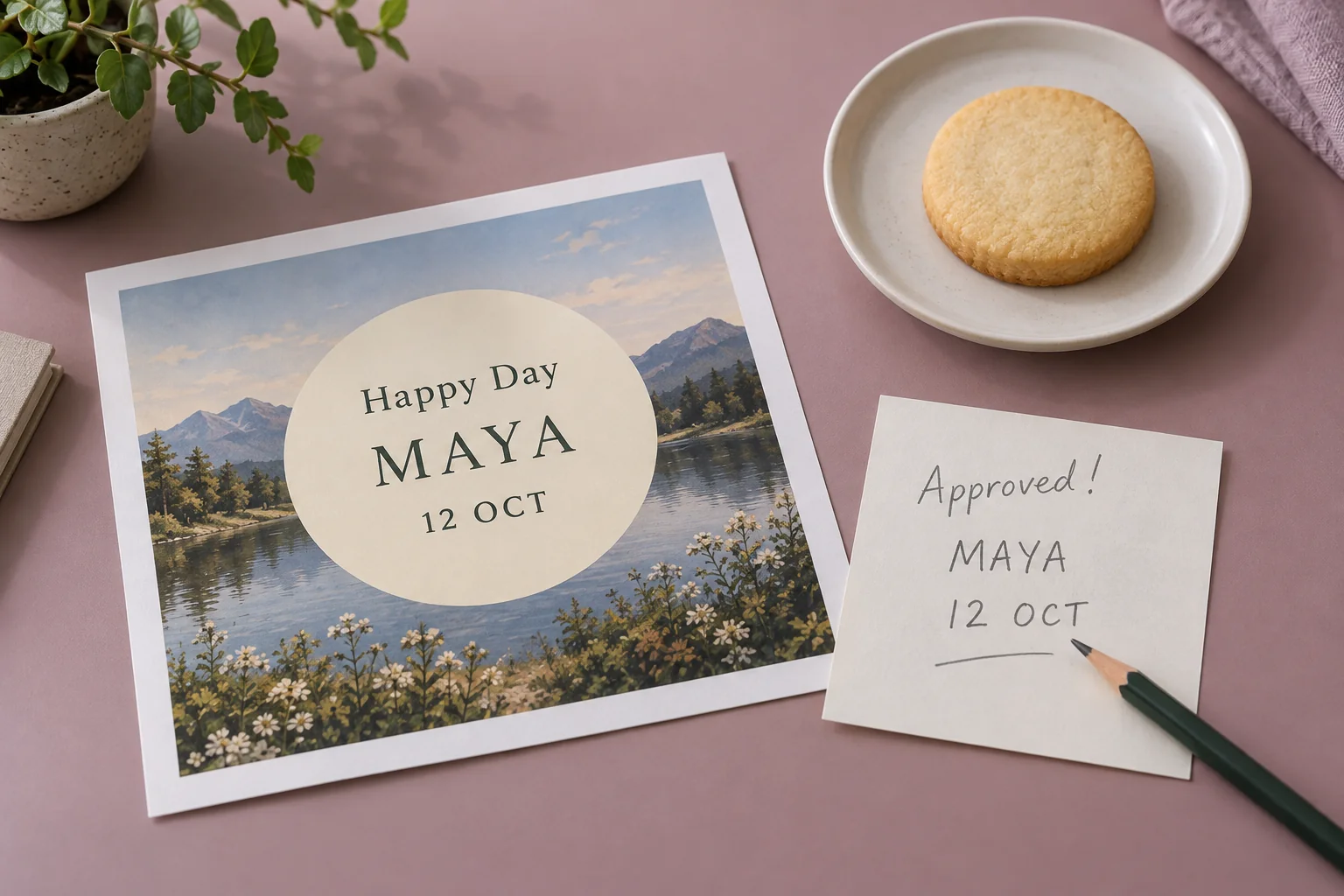
Text on an edible print often contains small but important details: a name, age, date, or greeting. When viewing a proof, colour and pictures can attract attention while an incorrect letter goes unnoticed. An orderly check helps the event owner make a clear decision about the version actually reviewed.
A proof is review material whose scope should be discussed within the order process. First confirm whether a preview is available, what can be checked, and how approval is communicated. Do not assume every product or order follows the same review stage.
Prepare approved reference wording
Write the intended text in one note separate from reference pictures. Names should use the spelling and preferred form chosen by the event owner. For another language or special characters, copy carefully and ask about any display limitations requiring confirmation.
Dates need an unambiguous format. Decide whether to use a month name or numbers and whether the year is needed. Choose a form recipients can understand. Do not add a year or age based on assumptions.
Assign one person to approve the reference wording. Several people may provide input, but the final decision needs a clear source. This note becomes the comparison for the proof, avoiding reliance on memory of earlier messages.
Identify the version being reviewed
When a preview arrives, record its identifier or sending time in the available format. Make sure the complete image is readable and is not a crop from another version. For several designs, use simple references that distinguish each one.
Do not review an old image after a revision has arrived. Remove earlier material from the active list or mark it internally according to the working process. Version references help everyone understand which image a comment concerns.
If a section is unreadable because of preview size, request a view suitable for review. Enlarging the display can help reading, but does not establish final print detail without product information. Ask about uncertainty rather than assuming a screen view is identical to the physical result.
Read every word before judging appearance
Check names one letter at a time, including spaces and punctuation. Match them to the reference note. Similar-sounding names can have different spellings, so reading quickly as a whole word is insufficient.
Continue with dates, numbers, and greetings. Notice easily confused digits and whether an important part is cropped or close to the design boundary. Read all text once more without looking at other pictures so attention remains focused.
| Section | Check |
|---|---|
| Name | Spelling, preferred form, and spaces match the reference |
| Numbers | Age or other numbers have been confirmed |
| Date | Day, month, and year where used |
| Greeting | Complete wording and punctuation |
| Arrangement | No important part missing or cut off |
The event owner and a second reviewer can use this table. Both should refer to the same wording note instead of using different messages.
Check the text’s relationship to the design area
After confirming content, consider placement. Is the name still the intended main element? Do the date and greeting have a clear reading direction? Avoid changing priorities simply because there is empty space; that space may help readability.
If a reference image contains sample wording, identify what must change and what should remain. Avoid a general approval such as exactly like the example when names or dates differ. Specific references reduce the possibility of sample content carrying into the design.
For initial material, read the edible print artwork preparation guide. File preparation and proof review serve different purposes: one supplies material, while the other checks that agreed wording appears in the version under discussion.
Send comments that can be applied
Collect comments in one message referencing the proof version. Identify the section and provide its complete replacement. For example, name the name line and write the final spelling instead of requesting one letter change without showing the whole word.
Separate required corrections from appearance questions. If an element remains undecided, state that it is awaiting a decision. Avoid sending approval alongside unresolved comments without explaining its scope.
When a revision arrives, check all text again. A change in one section may affect the surrounding arrangement. The final review must use the latest version, including elements that were already correct.
Communicate a clearly referenced decision
When giving approval through the route discussed with Sweetalicious, identify the version and sections reviewed. Confirm what happens after approval and how subsequent changes are handled for the order. This article does not set revision limits or a particular production process.
Keep the decision record needed for the event with the final reference wording. Other inspiration articles can help prepare cookie and edible print requirements before discussion.
Text review becomes straightforward when the reference, version, and decision owner are clear. A few minutes of careful reading can produce approval that everyone understands more easily than comments scattered across several images.